> ## Documentation Index
> Fetch the complete documentation index at: https://docs.wisepim.com/llms.txt
> Use this file to discover all available pages before exploring further.
# Internal Linking
> AI reads each product description and adds 3–5 contextual links to related products and category pages, passing SEO equity across your catalog and surfacing related products to shoppers.
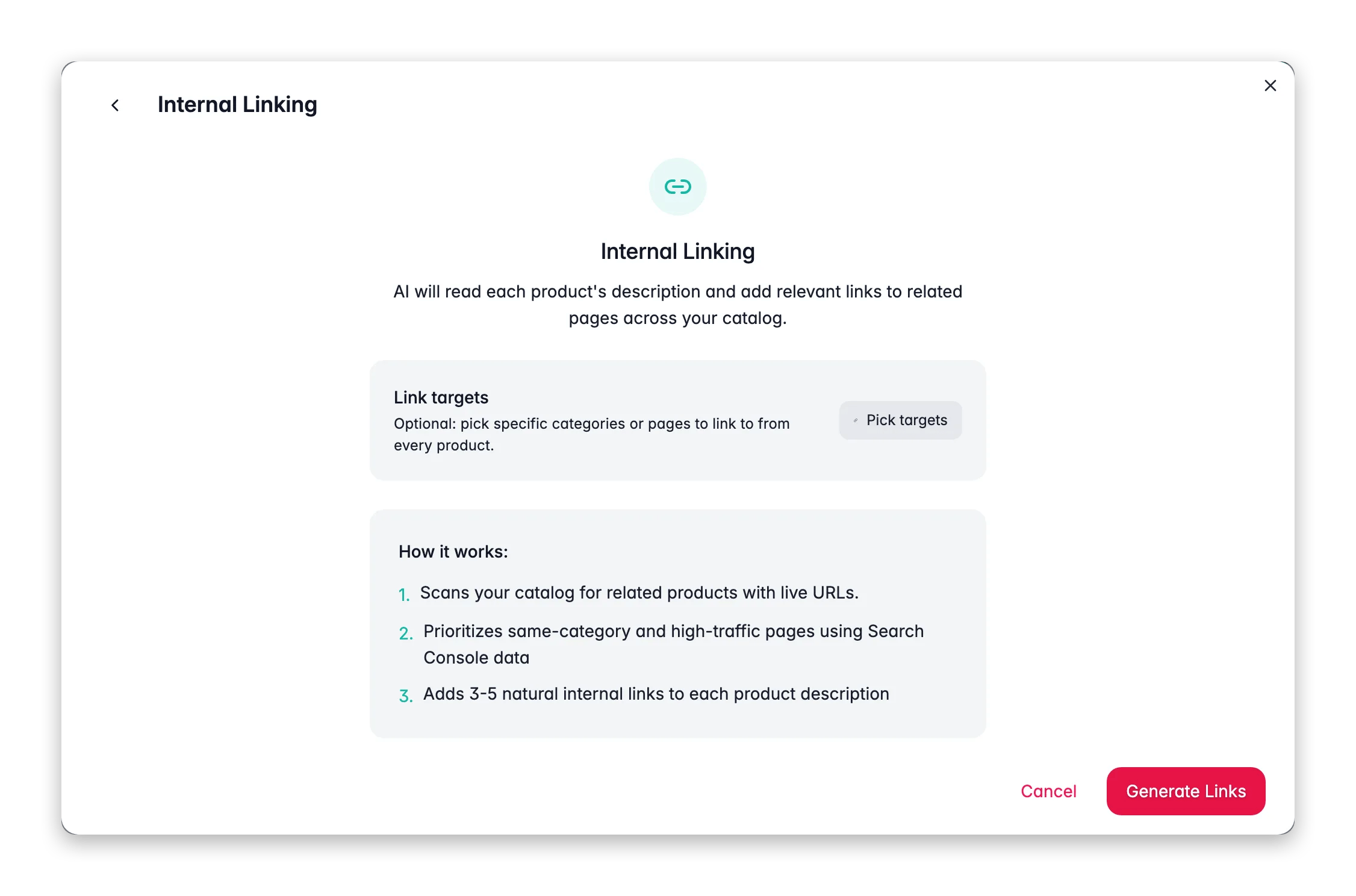
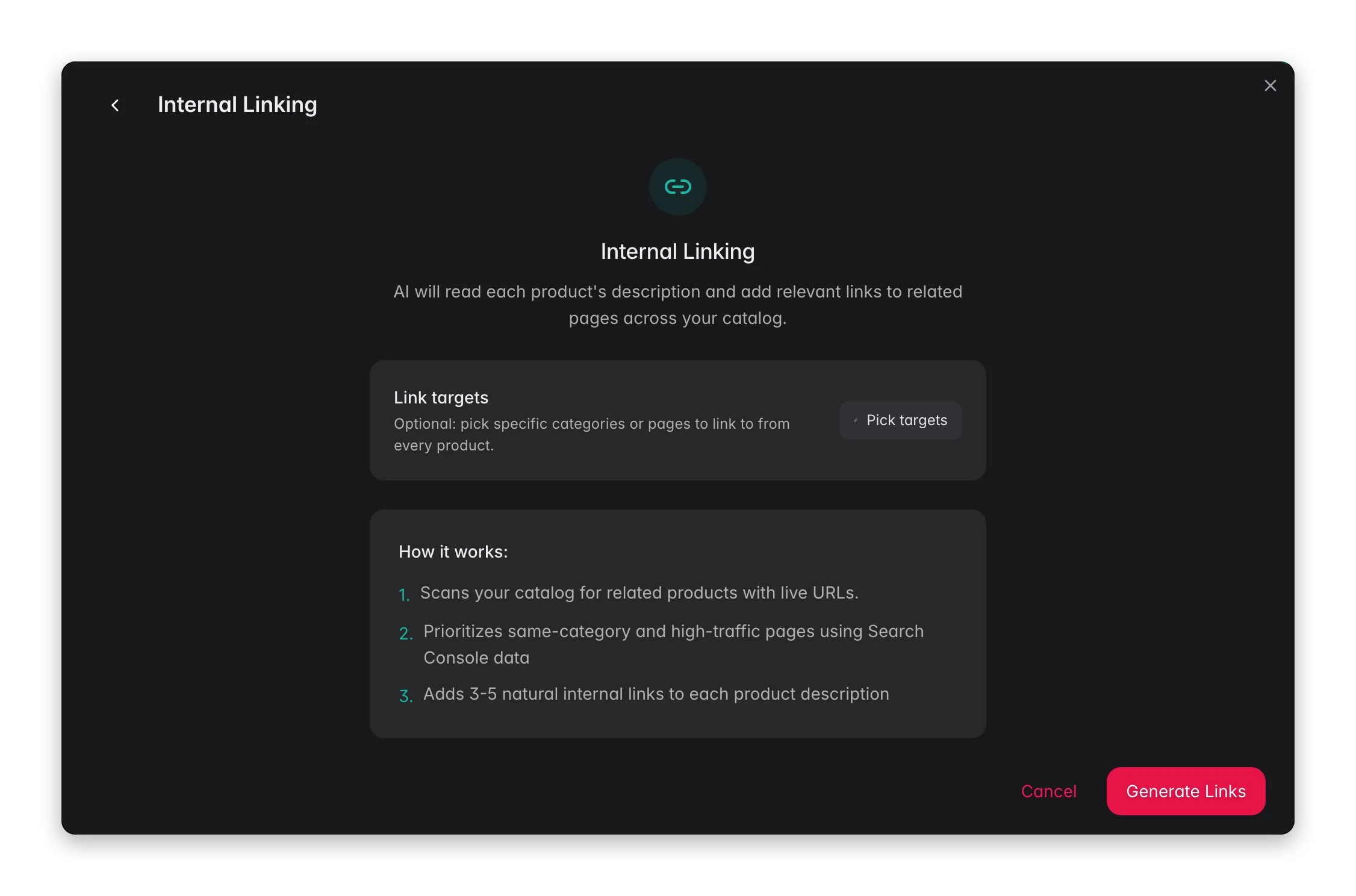 Internal Linking reads each product's description and adds 3–5 contextual links to related products and category pages. It anchors links to relevant phrases already in the copy, so the additions read naturally rather than feeling appended.
**What it enables:** build a well-connected catalog where every product points shoppers toward related options, spread link equity from high-authority pages to the rest of your catalog, and reduce bounce rates on product pages.
Internal Linking writes into the product description. Products need an existing description for this to work. Run a description enrichment first if your products do not have descriptions yet.
## How the AI picks link targets
The AI scans your product and category catalog for pages with live URLs.
If you have a Google Search Console integration, pages with more impressions and clicks are weighted higher as link candidates. Higher-traffic pages pass more SEO value when linked.
For each product, the AI matches candidate targets by category overlap, semantic similarity, and attribute overlap (same brand, similar materials, same product family).
The AI identifies phrases in the existing description that naturally anchor a link, and rewrites those phrases to include the link while keeping the sentence readable.
## Optional: pre-select link targets
By default, the AI auto-discovers targets from your catalog. You can pre-select specific categories or pages to prioritize, the AI uses your chosen targets first and fills remaining slots with auto-discovered candidates.
Use the **Link Targets** picker in the Internal Linking configuration panel to add specific category pages before starting the run. This is useful when you are launching a new category and want all related products to link to it, or when you want to drive traffic to specific high-margin pages.
## How to run Internal Linking
Choose the products whose descriptions you want to link. Descriptions must exist, products without descriptions are skipped.
Click **Enrich with AI** in the toolbar.
Select **Internal Linking** from the enrichment type grid.
Open the link targets picker and select any specific categories or pages you want to prioritize. Leave it empty to let the AI discover targets automatically.
Click **Start Enrichment**. The run processes in the background. Check the [Process Tracker](/en/other-features/process-tracker) for progress.
## What good results look like
* Links appear as natural anchor text within existing sentences, not as a list appended at the bottom.
* Each product description has 3–5 links pointing to genuinely related pages.
* Anchor text is descriptive (e.g., "noise-cancelling headphones" not "click here").
* No product links to itself or to irrelevant pages.
Spot-check 5–10 products after the first run to confirm the links are relevant and the sentences still read naturally. If a product's description is very short (one or two sentences), there may not be enough anchor points for the full 3–5 links, longer descriptions yield better results.
## Act on what you find
If the auto-discovered targets are off, pre-select your link targets next time to give the AI a better starting pool. Also check whether the product's category assignment is correct, the AI uses category context for relevance matching. **Outcome:** more accurate, useful links.
Add that category to the link targets picker before running. The AI will prioritize linking there from every product in the run where it makes semantic sense. **Outcome:** controlled link equity distribution toward the pages you care about most.
The link target pool reflects your catalog at run time. After launching a new category, re-run Internal Linking on relevant products so the new category pages start accumulating links. **Outcome:** new pages gain internal link equity from day one.
Run a Descriptions enrichment on those products first, then run Internal Linking again. **Outcome:** full catalog coverage once descriptions are in place.
Pair Internal Linking with [Search Intent](/en/ai/search-intent) for the most impact: use Search Intent to align descriptions with real query intent, then use Internal Linking to connect those optimized pages to each other. Check [SEO Analytics](/en/analytics/seo) before and after to measure the traffic shift. **Outcome:** an interconnected, intent-matched catalog that performs better in organic search.
## Related
Rewrite descriptions to match real search queries before linking them.
Overview of all 14 enrichment types.
Track impressions, clicks, and position to measure the link impact.
Enrich product content with web-sourced data before linking.
Internal Linking reads each product's description and adds 3–5 contextual links to related products and category pages. It anchors links to relevant phrases already in the copy, so the additions read naturally rather than feeling appended.
**What it enables:** build a well-connected catalog where every product points shoppers toward related options, spread link equity from high-authority pages to the rest of your catalog, and reduce bounce rates on product pages.
Internal Linking writes into the product description. Products need an existing description for this to work. Run a description enrichment first if your products do not have descriptions yet.
## How the AI picks link targets
The AI scans your product and category catalog for pages with live URLs.
If you have a Google Search Console integration, pages with more impressions and clicks are weighted higher as link candidates. Higher-traffic pages pass more SEO value when linked.
For each product, the AI matches candidate targets by category overlap, semantic similarity, and attribute overlap (same brand, similar materials, same product family).
The AI identifies phrases in the existing description that naturally anchor a link, and rewrites those phrases to include the link while keeping the sentence readable.
## Optional: pre-select link targets
By default, the AI auto-discovers targets from your catalog. You can pre-select specific categories or pages to prioritize, the AI uses your chosen targets first and fills remaining slots with auto-discovered candidates.
Use the **Link Targets** picker in the Internal Linking configuration panel to add specific category pages before starting the run. This is useful when you are launching a new category and want all related products to link to it, or when you want to drive traffic to specific high-margin pages.
## How to run Internal Linking
Choose the products whose descriptions you want to link. Descriptions must exist, products without descriptions are skipped.
Click **Enrich with AI** in the toolbar.
Select **Internal Linking** from the enrichment type grid.
Open the link targets picker and select any specific categories or pages you want to prioritize. Leave it empty to let the AI discover targets automatically.
Click **Start Enrichment**. The run processes in the background. Check the [Process Tracker](/en/other-features/process-tracker) for progress.
## What good results look like
* Links appear as natural anchor text within existing sentences, not as a list appended at the bottom.
* Each product description has 3–5 links pointing to genuinely related pages.
* Anchor text is descriptive (e.g., "noise-cancelling headphones" not "click here").
* No product links to itself or to irrelevant pages.
Spot-check 5–10 products after the first run to confirm the links are relevant and the sentences still read naturally. If a product's description is very short (one or two sentences), there may not be enough anchor points for the full 3–5 links, longer descriptions yield better results.
## Act on what you find
If the auto-discovered targets are off, pre-select your link targets next time to give the AI a better starting pool. Also check whether the product's category assignment is correct, the AI uses category context for relevance matching. **Outcome:** more accurate, useful links.
Add that category to the link targets picker before running. The AI will prioritize linking there from every product in the run where it makes semantic sense. **Outcome:** controlled link equity distribution toward the pages you care about most.
The link target pool reflects your catalog at run time. After launching a new category, re-run Internal Linking on relevant products so the new category pages start accumulating links. **Outcome:** new pages gain internal link equity from day one.
Run a Descriptions enrichment on those products first, then run Internal Linking again. **Outcome:** full catalog coverage once descriptions are in place.
Pair Internal Linking with [Search Intent](/en/ai/search-intent) for the most impact: use Search Intent to align descriptions with real query intent, then use Internal Linking to connect those optimized pages to each other. Check [SEO Analytics](/en/analytics/seo) before and after to measure the traffic shift. **Outcome:** an interconnected, intent-matched catalog that performs better in organic search.
## Related
Rewrite descriptions to match real search queries before linking them.
Overview of all 14 enrichment types.
Track impressions, clicks, and position to measure the link impact.
Enrich product content with web-sourced data before linking.