> ## Documentation Index
> Fetch the complete documentation index at: https://docs.wisepim.com/llms.txt
> Use this file to discover all available pages before exploring further.
# AI Product Descriptions
> Write full product descriptions with AI, structured, benefit-led, and scannable, from each product’s existing data and your brand voice.
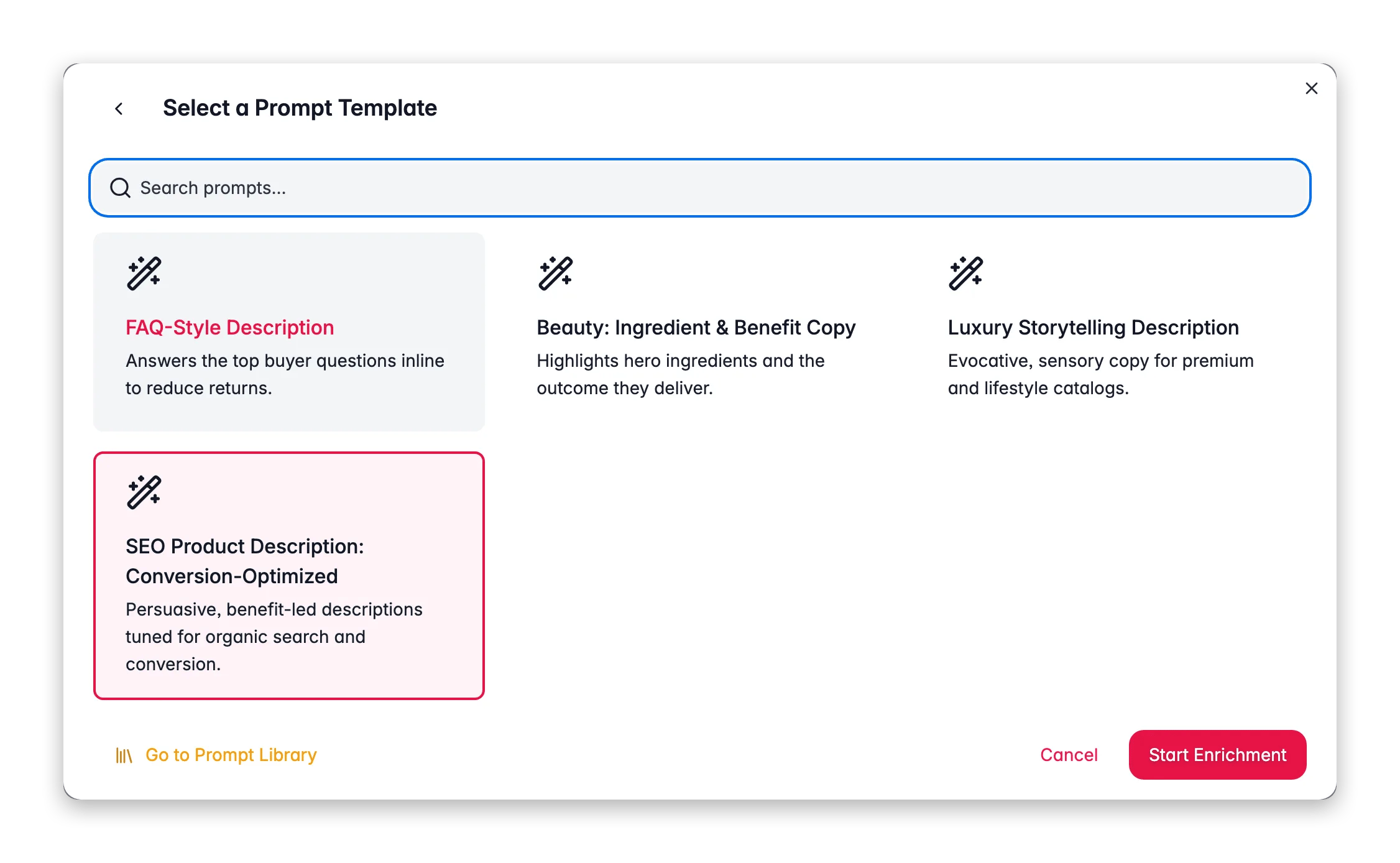
 The description is where a product is sold. Description enrichment uses AI to write complete, structured product copy from each product's existing attributes, title, and category, guided by the prompt you choose and your [Knowledge Library](/en/other-features/knowledge-library) context.
**What it enables:** replace empty or copy-pasted supplier text with unique, benefit-led descriptions for every product, written in your brand voice, at a scale no copywriting team could match by hand.
Description enrichment costs **1 credit per product**. Output is written to the **Enriched Description** field, your original description is preserved, so you always have the source to compare against.
## When to use it
* **Products have no description**, or only a one-line supplier blurb.
* **Descriptions are duplicated** across variants or copied from the manufacturer (which hurts SEO).
* **You're rebranding or repositioning** and need consistent voice across the catalog.
* **As part of [Auto-Fill](/en/ai/auto-fill)**, which writes missing descriptions automatically using your default description prompt.
## How to run it
Check products individually, or filter (for example, by "no description") and select all matching results.
Click **Enrich with AI** in the toolbar.
Pick **Descriptions** as the enrichment type.
Choose a description prompt from your [Prompt Library](/en/essentials/prompt-library). The prompt sets the structure, length, and tone.
Click **Start Enrichment**. Track the job in the [Process Tracker](/en/other-features/process-tracker).
## What a great description prompt produces
The best AI descriptions are not walls of text, they are structured and scannable. Encode that in your prompt:
* **Open with the core benefit.** Lead with what the product does for the shopper, not its spec sheet.
* **Use short paragraphs and a bullet list.** Shoppers skim. Ask the prompt for a 2–3 sentence intro followed by a bullet list of key features.
* **Translate specs into benefits.** "2000 mAh battery" becomes "all-day power on a single charge." Give the AI the specs and ask it to explain why they matter.
* **Write for the audience, not the algorithm.** Natural, helpful copy that happens to include keywords beats keyword-stuffed text. For search-query-driven rewrites, use [Search Intent](/en/ai/search-intent) instead.
* **Stay truthful.** Tell the prompt to only use facts present in the product data, so it does not invent specs.
Fill your [Knowledge Library](/en/other-features/knowledge-library) with brand voice, target audience, and tone guidance. Every description run reads it, so the output sounds like your brand instead of generic AI copy.
## Act on what you find
Generic copy comes from a generic prompt or thin source data. Write category-specific prompts ("B2B industrial fasteners" vs "fashion accessories") and enrich [Attributes](/en/ai/attributes) first so the AI has real specs to work from. **Outcome:** distinctive copy that reflects each product.
Add a guardrail to the prompt: "Only state facts present in the provided product data. Do not infer or invent specifications." Re-run. **Outcome:** accurate descriptions you can publish without fact-checking each one.
Adjust the prompt (for example, "150–200 words, one intro paragraph, then 4–6 feature bullets"). Test on a small batch in [Prompt Lab](/en/essentials/prompt-lab) before the full run. **Outcome:** consistent structure across every product.
Use [Search Intent](/en/ai/search-intent) enrichment instead, it rewrites descriptions using the real queries driving traffic from Google Search Console. **Outcome:** copy aligned to demonstrated demand, not guesses.
## Measure the impact
After enriching a representative batch and collecting a few weeks of sales, open [Enrichment Impact](/en/analytics/enrichment-impact) to see revenue lift attributed to description work. If descriptions consistently produce the biggest lift, that is your signal to roll them out catalog-wide.
## Related
Give the AI your brand voice, audience, and product context.
Build and organize your description prompts.
Rewrite descriptions to match real search queries.
Measure the revenue lift from better descriptions.
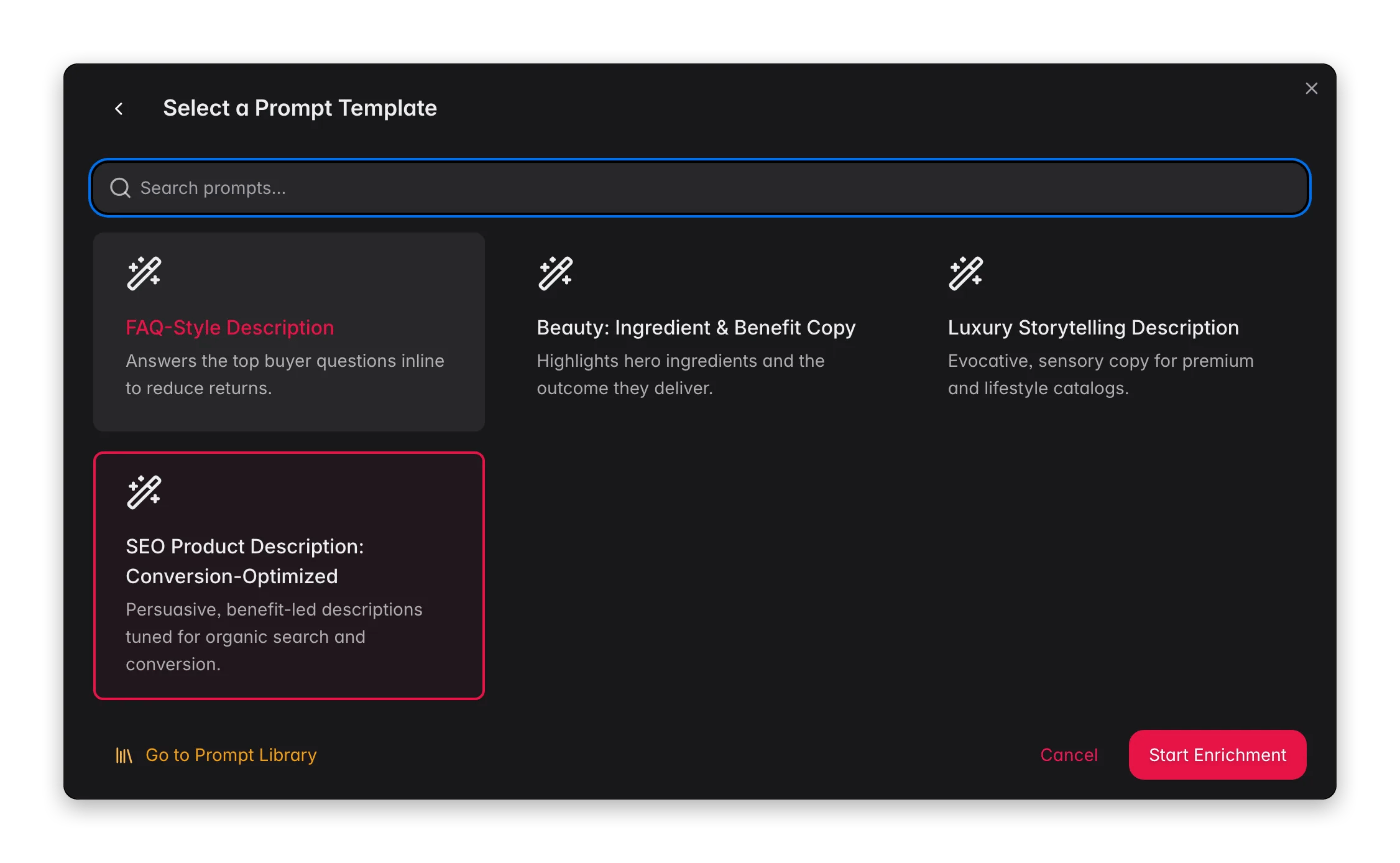
The description is where a product is sold. Description enrichment uses AI to write complete, structured product copy from each product's existing attributes, title, and category, guided by the prompt you choose and your [Knowledge Library](/en/other-features/knowledge-library) context.
**What it enables:** replace empty or copy-pasted supplier text with unique, benefit-led descriptions for every product, written in your brand voice, at a scale no copywriting team could match by hand.
Description enrichment costs **1 credit per product**. Output is written to the **Enriched Description** field, your original description is preserved, so you always have the source to compare against.
## When to use it
* **Products have no description**, or only a one-line supplier blurb.
* **Descriptions are duplicated** across variants or copied from the manufacturer (which hurts SEO).
* **You're rebranding or repositioning** and need consistent voice across the catalog.
* **As part of [Auto-Fill](/en/ai/auto-fill)**, which writes missing descriptions automatically using your default description prompt.
## How to run it
Check products individually, or filter (for example, by "no description") and select all matching results.
Click **Enrich with AI** in the toolbar.
Pick **Descriptions** as the enrichment type.
Choose a description prompt from your [Prompt Library](/en/essentials/prompt-library). The prompt sets the structure, length, and tone.
Click **Start Enrichment**. Track the job in the [Process Tracker](/en/other-features/process-tracker).
## What a great description prompt produces
The best AI descriptions are not walls of text, they are structured and scannable. Encode that in your prompt:
* **Open with the core benefit.** Lead with what the product does for the shopper, not its spec sheet.
* **Use short paragraphs and a bullet list.** Shoppers skim. Ask the prompt for a 2–3 sentence intro followed by a bullet list of key features.
* **Translate specs into benefits.** "2000 mAh battery" becomes "all-day power on a single charge." Give the AI the specs and ask it to explain why they matter.
* **Write for the audience, not the algorithm.** Natural, helpful copy that happens to include keywords beats keyword-stuffed text. For search-query-driven rewrites, use [Search Intent](/en/ai/search-intent) instead.
* **Stay truthful.** Tell the prompt to only use facts present in the product data, so it does not invent specs.
Fill your [Knowledge Library](/en/other-features/knowledge-library) with brand voice, target audience, and tone guidance. Every description run reads it, so the output sounds like your brand instead of generic AI copy.
## Act on what you find
Generic copy comes from a generic prompt or thin source data. Write category-specific prompts ("B2B industrial fasteners" vs "fashion accessories") and enrich [Attributes](/en/ai/attributes) first so the AI has real specs to work from. **Outcome:** distinctive copy that reflects each product.
Add a guardrail to the prompt: "Only state facts present in the provided product data. Do not infer or invent specifications." Re-run. **Outcome:** accurate descriptions you can publish without fact-checking each one.
Adjust the prompt (for example, "150–200 words, one intro paragraph, then 4–6 feature bullets"). Test on a small batch in [Prompt Lab](/en/essentials/prompt-lab) before the full run. **Outcome:** consistent structure across every product.
Use [Search Intent](/en/ai/search-intent) enrichment instead, it rewrites descriptions using the real queries driving traffic from Google Search Console. **Outcome:** copy aligned to demonstrated demand, not guesses.
## Measure the impact
After enriching a representative batch and collecting a few weeks of sales, open [Enrichment Impact](/en/analytics/enrichment-impact) to see revenue lift attributed to description work. If descriptions consistently produce the biggest lift, that is your signal to roll them out catalog-wide.
## Related
Give the AI your brand voice, audience, and product context.
Build and organize your description prompts.
Rewrite descriptions to match real search queries.
Measure the revenue lift from better descriptions.