> ## Documentation Index
> Fetch the complete documentation index at: https://docs.wisepim.com/llms.txt
> Use this file to discover all available pages before exploring further.
# Unterstützte Plattformen
> Sieh dir jede Plattform an, mit der WISEPIM sich verbindet: Shopify, WooCommerce, Magento, BigCommerce, Shopware, Lightspeed, Akeneo und mehr. Wähle deine Plattform, um die Einrichtungsanleitung zu öffnen.
WISEPIM verbindet sich mit den Plattformen, die du bereits nutzt. Importiere deine Produkte aus einer Plattform, reichere sie mit AI an und exportiere sie dorthin, wo du verkaufst. Wähle unten deine Plattform, um die Einrichtungsanleitung zu öffnen.
## Wähle deine Plattform
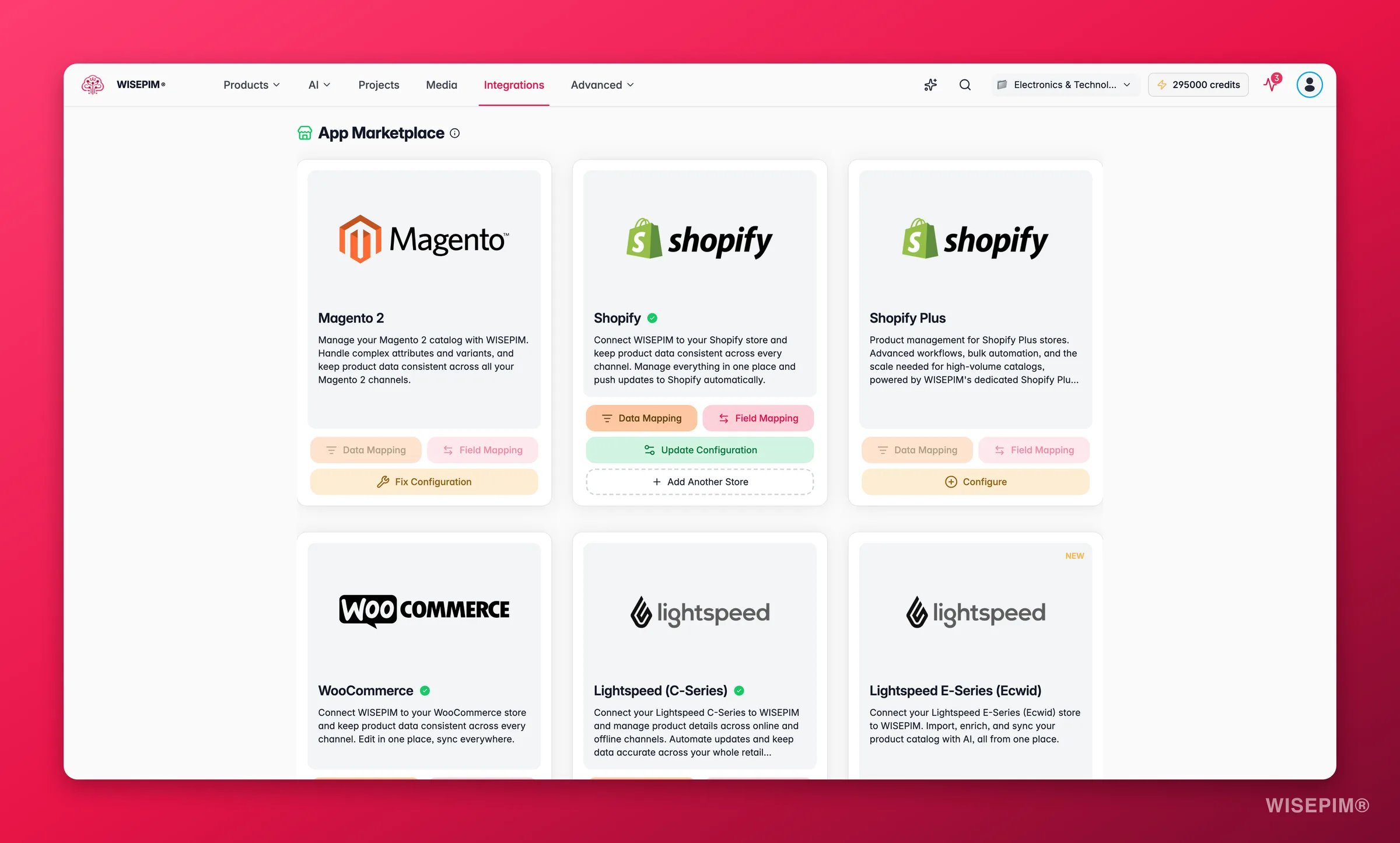
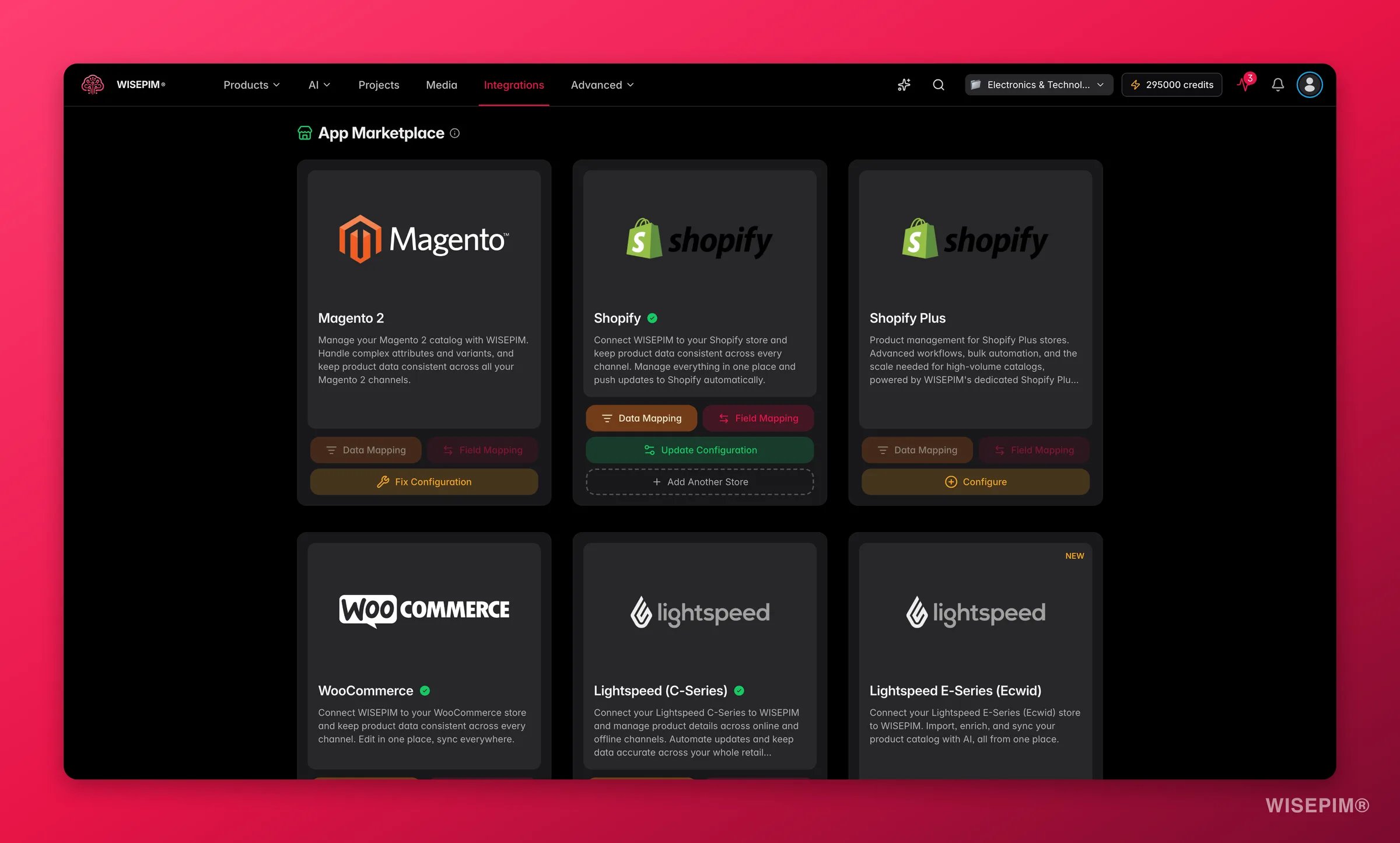 ### E-Commerce-Plattformen
Verbinde deinen Shopify-Shop über die API und reichere deine Produktdaten an.
Verbinde deinen Open-Source-WooCommerce-Shop und reichere deine Produktdaten an.
Importiere Produkte aus Magento 2 Open Source oder Enterprise und reichere sie mit AI an.
Verbinde deinen BigCommerce-Shop mit einem store-level API-Token.
Verbinde deinen PrestaShop-Shop mit einem Webservice-Key.
Verbinde deinen Shopware 6-Shop über die Admin API.
Verbinde deinen Squarespace Commerce-Shop mit einem API-Key.
Verbinde deinen Lightspeed eCom-Shop und reichere deine Produktdaten in wenigen Minuten an.
Verbinde deinen Ecwid- / Lightspeed E-Series-Shop und reichere deinen Katalog an.
Verbinde deinen CCV-Shop und reichere deine Produktdaten an.
Verbinde deinen Open-Source-Medusa-Headless-Commerce-Shop.
Verbinde deinen Symfony-basierten Sylius-Shop über die Admin API.
Verbinde deinen Django Oscar-Shop über seine Produkt-API.
Veröffentliche angereicherte Inhalte auf deiner WordPress-Seite mit einem Application Password.
Synchronisiere deinen Katalog in beide Richtungen mit deinem Akeneo PIM.
### Marktplätze
Exportiere deine angereicherten Produkte auf den Kaufland-Marktplatz.
### Lager & Daten
Importiere Produkte und aktuelle Lagerbestände aus deinem Picqer-Lager.
Hol dir Dropshipment-Inhalte deiner Lieferanten und reichere sie als deine eigenen an.
Importiere Produktdaten direkt aus deinen Databricks-Tabellen.
WISEPIM funktioniert plattformübergreifend. Importiere Produkte aus einer Plattform und exportiere sie in eine andere, alles im selben Arbeitsbereich.
## Deine Plattform ist nicht dabei?
Wir fügen ständig neue Plattformen hinzu. Ist deine noch nicht dabei oder hast du besondere Anforderungen? [Kontaktiere uns](https://swiftsync.ai/contact) und wir besprechen die Möglichkeiten.
### E-Commerce-Plattformen
Verbinde deinen Shopify-Shop über die API und reichere deine Produktdaten an.
Verbinde deinen Open-Source-WooCommerce-Shop und reichere deine Produktdaten an.
Importiere Produkte aus Magento 2 Open Source oder Enterprise und reichere sie mit AI an.
Verbinde deinen BigCommerce-Shop mit einem store-level API-Token.
Verbinde deinen PrestaShop-Shop mit einem Webservice-Key.
Verbinde deinen Shopware 6-Shop über die Admin API.
Verbinde deinen Squarespace Commerce-Shop mit einem API-Key.
Verbinde deinen Lightspeed eCom-Shop und reichere deine Produktdaten in wenigen Minuten an.
Verbinde deinen Ecwid- / Lightspeed E-Series-Shop und reichere deinen Katalog an.
Verbinde deinen CCV-Shop und reichere deine Produktdaten an.
Verbinde deinen Open-Source-Medusa-Headless-Commerce-Shop.
Verbinde deinen Symfony-basierten Sylius-Shop über die Admin API.
Verbinde deinen Django Oscar-Shop über seine Produkt-API.
Veröffentliche angereicherte Inhalte auf deiner WordPress-Seite mit einem Application Password.
Synchronisiere deinen Katalog in beide Richtungen mit deinem Akeneo PIM.
### Marktplätze
Exportiere deine angereicherten Produkte auf den Kaufland-Marktplatz.
### Lager & Daten
Importiere Produkte und aktuelle Lagerbestände aus deinem Picqer-Lager.
Hol dir Dropshipment-Inhalte deiner Lieferanten und reichere sie als deine eigenen an.
Importiere Produktdaten direkt aus deinen Databricks-Tabellen.
WISEPIM funktioniert plattformübergreifend. Importiere Produkte aus einer Plattform und exportiere sie in eine andere, alles im selben Arbeitsbereich.
## Deine Plattform ist nicht dabei?
Wir fügen ständig neue Plattformen hinzu. Ist deine noch nicht dabei oder hast du besondere Anforderungen? [Kontaktiere uns](https://swiftsync.ai/contact) und wir besprechen die Möglichkeiten.